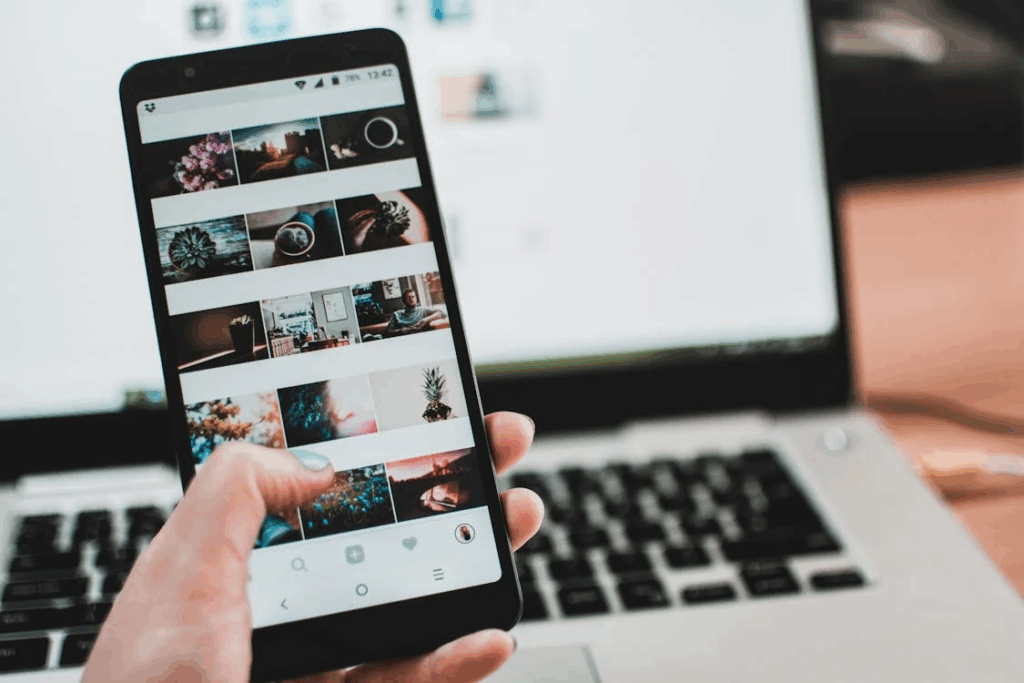

Dark mode isn’t just a design trend. It’s one of the most-searched tech preferences online because people want visual comfort. The spike in searches reveals a deeper question: why dark mode is popular, and why do so many users turn it on across every device they own?
Millions of people type “how to turn on dark mode,” “dark mode vs light mode,” or “why does everyone use dark mode” into search engines every month. The surge of curiosity reveals something more profound: people want interfaces that feel easier on the eyes, save battery life, reduce glare, and create a more comfortable digital experience.
People Search for Dark Mode Because They Want Visual Comfort
The most common dark-mode-related search is “how to turn on dark mode.” This reflects what people care about most: reducing eye strain. As screen time increases across work, school, and leisure, bright white interfaces feel harsh, especially at night.
People search for dark mode because:
- It reduces glare in low-light environments
- It feels easier to look at for long periods
- It creates a softer, calmer visual experience
- It helps minimize sleep disruption before bed
Dark mode searches spike after major software updates because users want quick instructions to restore their preferred dark theme. The popularity of these searches tells us that comfort, not aesthetics, is the driving force.
For insight into user expectations, check out How Search Engines Shape What We Think Is ‘Normal’ or ‘Common’.
Dark Mode Exists Everywhere Now, But Each Platform Does It Differently
Another reason dark mode is a top search topic is inconsistency. Every app, browser, device, and operating system has its own way of enabling it. Users find themselves jumping into search engines, asking:
- “dark mode Chrome”
- “dark mode TikTok”
- “dark mode Windows 11”
- “turn on dark mode Instagram”
Because there is no universal toggle for everything, search engines effectively serve as the instruction manual for modern UI settings. Dark mode’s fragmentation keeps the search volume high, year after year.
People want a clear, quick path to turn it on across all the tools they use.
Explore What Exactly Is the Algorithm? A Beginner-Friendly Explainer for a deeper dive on algorithms.
Searches About Battery Life and Eye Health Fuel Dark Mode’s Popularity
Search engines reveal people’s motivations. Queries like:
- “Does dark mode save battery?”
- “Is dark mode better for your eyes?”
- “Is dark mode healthier at night?”
These searches appear constantly because users want reassurance that switching themes offers real benefits.
Here’s what they learn through search:
- On OLED screens, dark mode can extend battery life because pixels use less power.
- It reduces brightness exposure, which can support more comfortable nighttime use.
- It doesn’t fix all eye strain, but it helps with low-light environments.
Search-driven curiosity has pushed developers to prioritize dark mode, simply because users keep asking for it.
See Why People Search for ‘How to Be More Productive’ and What Actually Helps for more human behavior trends.
People Search for Dark Mode Because They Love Personalization
Search trends show another truth: users want digital spaces that feel like theirs. Many queries revolve around customization, including:
- “dark mode aesthetic”
- “dark mode wallpapers”
- “best dark mode themes”
Dark mode represents a broader trend: people use search engines to personalize their technology experience, seeking out settings that match their mood and preferences.
The more control users have, the more they seek ways to refine it, and dark mode is now one of the most accessible, satisfying customizations available.